

IPTV for RV Life: Watching TV on the Road with Starlink and Cellular Internet
For RVers, watching television has never been as simple as plugging in a cable. Campground TV hookups are often unreliable, satellite dishes require setup and clear skies, and over-the-air antennas depend heavily on location.
That’s where IPTV comes in — a modern, flexible solution that works perfectly with today’s mobile internet options like Starlink and cellular data.
If you travel full-time or seasonally, IPTV can completely replace traditional RV TV setups.
What Is IPTV?
IPTV (Internet Protocol Television) delivers television programming over the internet instead of through cable or satellite systems.
With IPTV, you can access:
- Live TV channels (news, sports, locals)
- Video on Demand (movies and series)
- Time-shifted TV (replays and catch-up)
If you’ve ever streamed Netflix or YouTube, IPTV works the same way — but with live television included.
Why IPTV Makes Sense for RVers
RV travel is mobile by nature, and IPTV is designed for flexibility.
As long as you have an internet connection, you can watch TV on:
- Smart TVs
- Streaming devices (Fire TV, Apple TV, Android TV)
- Phones, tablets, and laptops
There’s no need to rely on campground cable, no dish to align, and no regional restrictions like traditional cable TV.
IPTV Using Starlink in an RV
Starlink has quickly become one of the best internet solutions for RVers, especially when it comes to streaming and IPTV.
Pros
- High speeds (often 50–200+ Mbps)
- Handles HD and 4K streaming easily
- Very stable for live TV and sports
- No traditional data caps
Cons
- Requires a clear view of the sky
- Higher power consumption
- Higher upfront and monthly cost
How IPTV Performs on Starlink
With Starlink, IPTV feels like a home internet connection. Live sports, news, and multiple devices streaming at once usually work without buffering.
Bottom Line
If IPTV is a priority, Starlink offers the most consistent and frustration-free experience on the road.
IPTV Using Cellular Internet (LTE / 5G)
Cellular internet is still an important part of many RV setups, especially when Starlink isn’t an option.
Pros
- Lower power draw
- Works under trees or in urban areas
- Often cheaper if you already have a data plan
Cons
- Congestion during evenings
- Data caps or deprioritization
- Speeds vary by location
How IPTV Performs on Cellular
IPTV can work well on cellular in strong-signal areas, but live TV is sensitive to speed fluctuations. During peak hours, buffering or quality drops are common.
Bottom Line
Cellular internet works for IPTV, but it requires careful data management.
IPTV Data Usage for RVers
Live TV uses continuous data, which is important to understand if you rely on cellular plans.
Approximate data usage:
- SD: ~1 GB per hour
- HD: ~3 GB per hour
- 4K: ~7–10 GB per hour
Just a few hours of IPTV each night can add up to 100+ GB per month, making Starlink the better choice for heavy viewing.
Recommended IPTV Setup for RV Travel
Internet Sources
- Starlink (primary connection)
- Cellular router (Peplink, MoFi, Winegard, Cudy, etc.)
Streaming Devices
- Fire TV Stick
- Apple TV
- Android TV box
Dedicated streaming devices handle changing internet connections far better than most smart TV apps.
Legal IPTV Services That Work Well for RVers
These services are reliable, legal, and RV-friendly:
- YouTube TV (American)
- FIBE TV (Canadian)
- Hulu + Live TV (American)
- Rogers TV (Canadian)
- Sling TV (American)
- Stack TV (Canadian)
- Philo (American)
- Crave TV (Canadian)
- Pluto TV (free)
Most allow you to update your location while traveling, which is ideal for RV life.
The Best RV Setup: Starlink + Cellular Together
Many RVers use both Starlink and cellular internet:
- Starlink for IPTV, streaming, and work
- Cellular as backup or for obstructed campsites
With the right router, the system can automatically switch connections if one drops.
Practical Tips for IPTV on the Road
- Use Starlink for live TV and sports when possible
- Limit video quality on cellular connections
- Avoid peak evening hours on LTE/5G
- Download shows when internet is strong
- Keep an OTA antenna for emergencies and local news
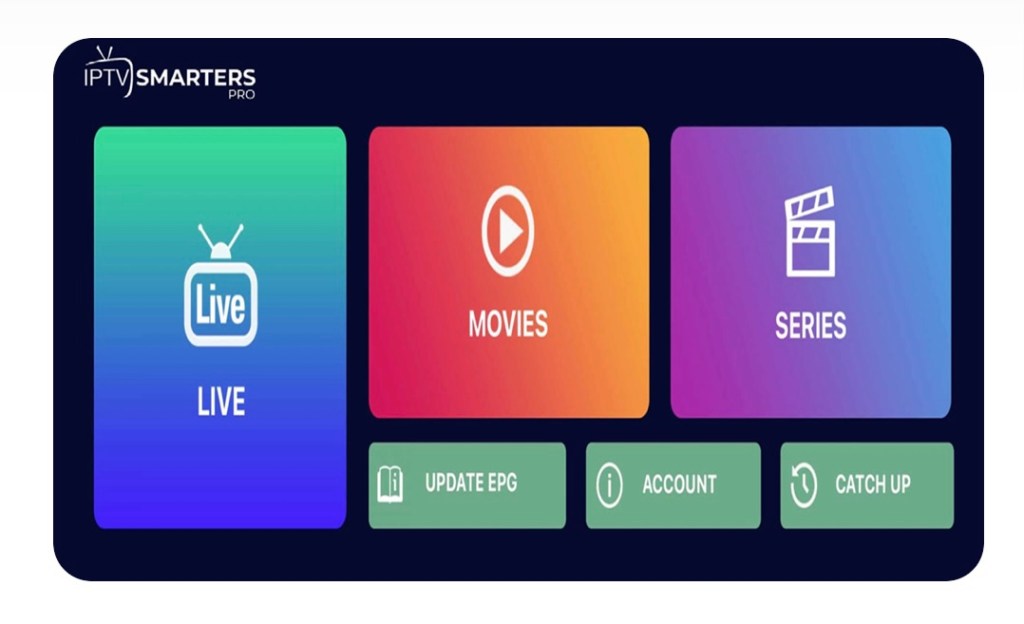
Illegal IPTV Services
Despite the risk involved with illegal services the pricing make it an attractive option. For your home or RV the options of the illegal services are mind boggling, and as someone who has used both legal and illegal here is what stands out
- Price (90% cheaper than legal)
- Choice (up to 30,000 stations)
- Multinational (live tv from around the world)
- Local (unlike legal service no need to change location)
- PPV (most stations available at no cost)
While I’m not condoning the illegal services, it is saving us hundreds of dollars, and we can watch stations with out adjusting our VPN each time.
Final Thoughts
IPTV has become one of the easiest and most reliable ways for RVers to watch television while traveling.
- Starlink provides the best IPTV experience
- Cellular works well with careful data use
- IPTV replaces campground cable entirely
- Legal services offer stability and peace of mind
For full-time and long-term RV travelers, IPTV paired with modern mobile internet is a true game-changer.
Day 3015
Discover more from The Buchanan's Rolling Down The Road
Subscribe to get the latest posts sent to your email.
 The Buchanan's Rolling Down The Road